hireloop.
A team of AI agents that runs your job search, on your own computer.
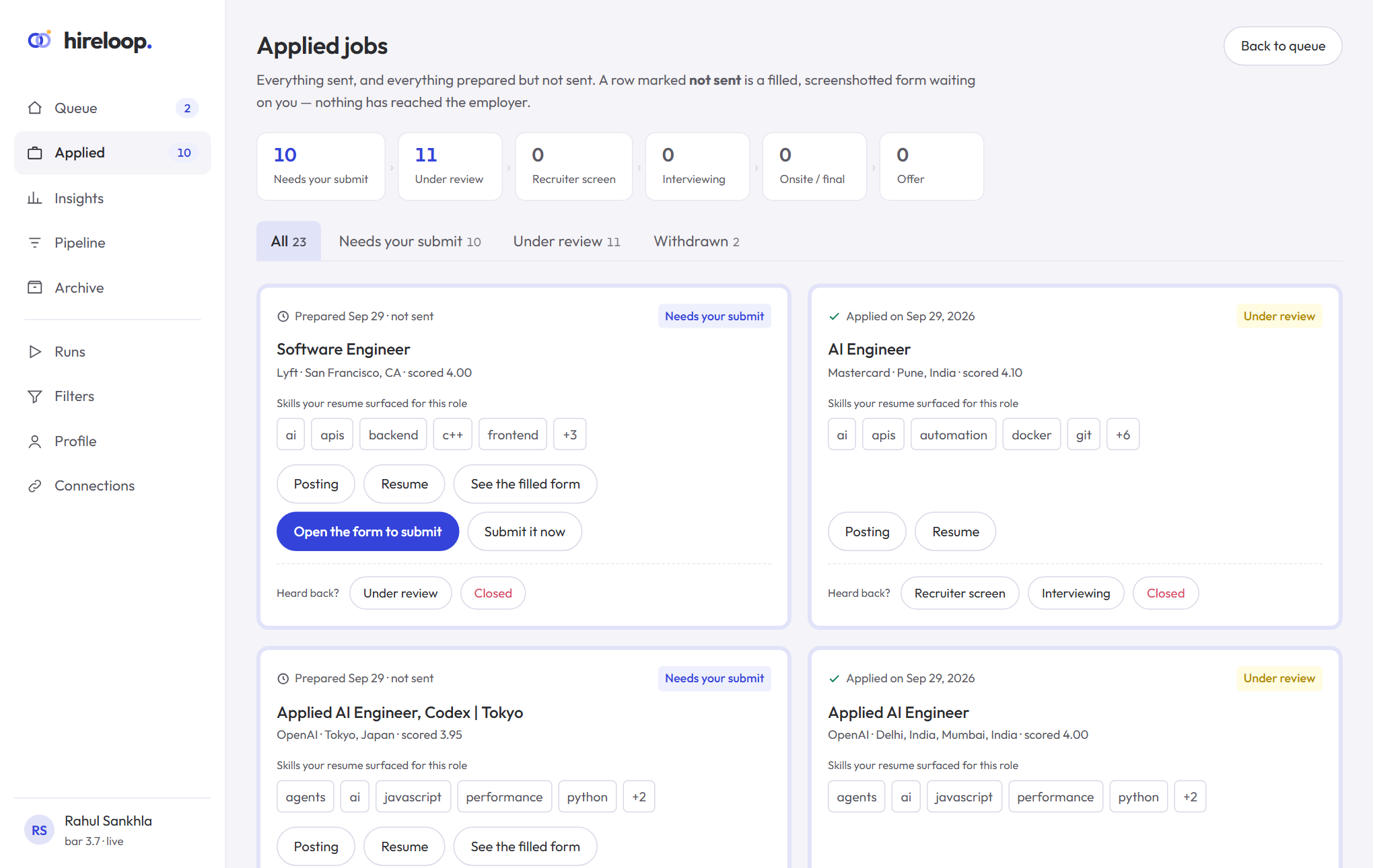
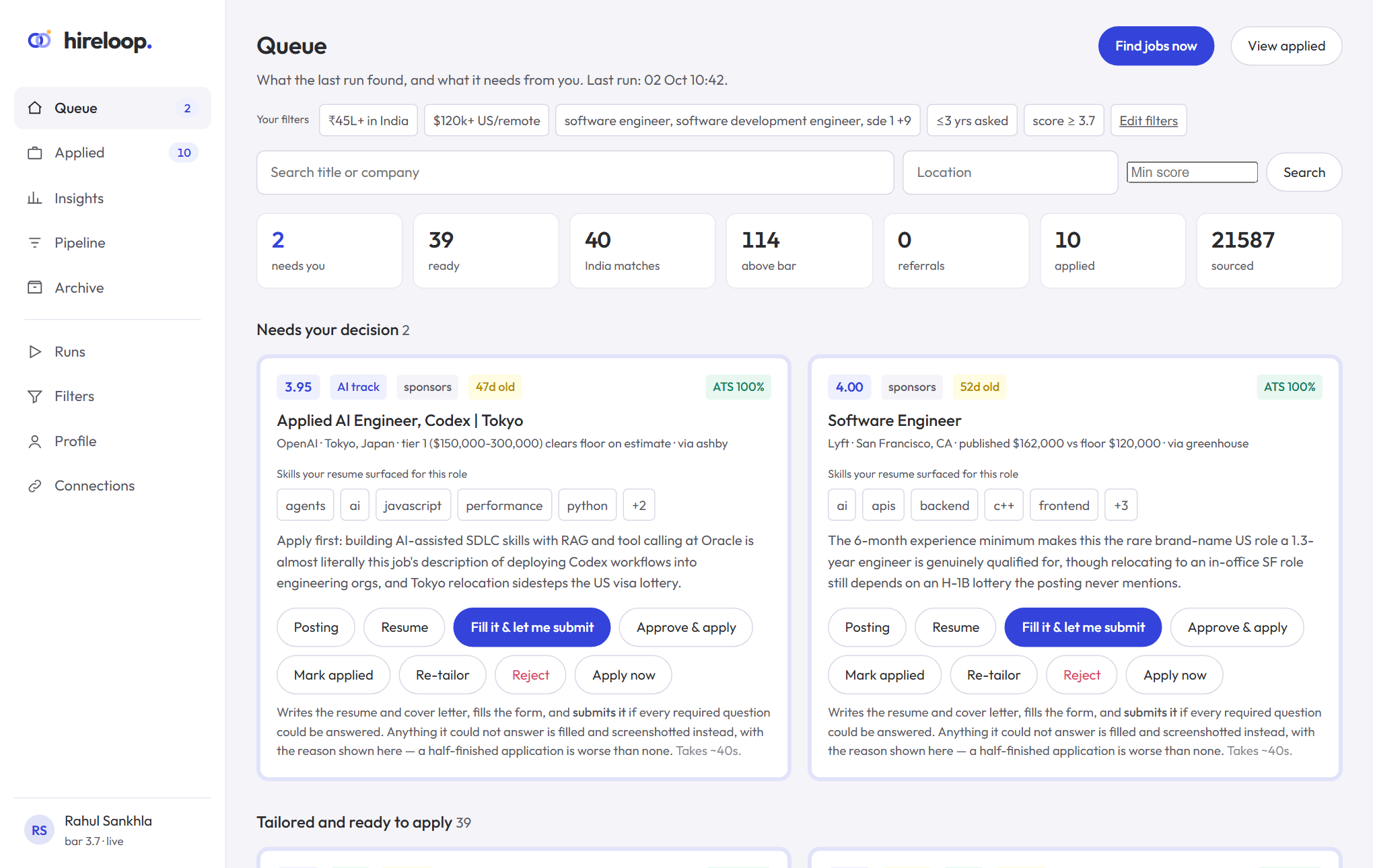
It finds openings on 170+ company career boards and LinkedIn, filters them by your rules, scores each one for fit, tailors a fact-checked resume, and fills in application forms. You approve everything from a dashboard in your browser.
What it does
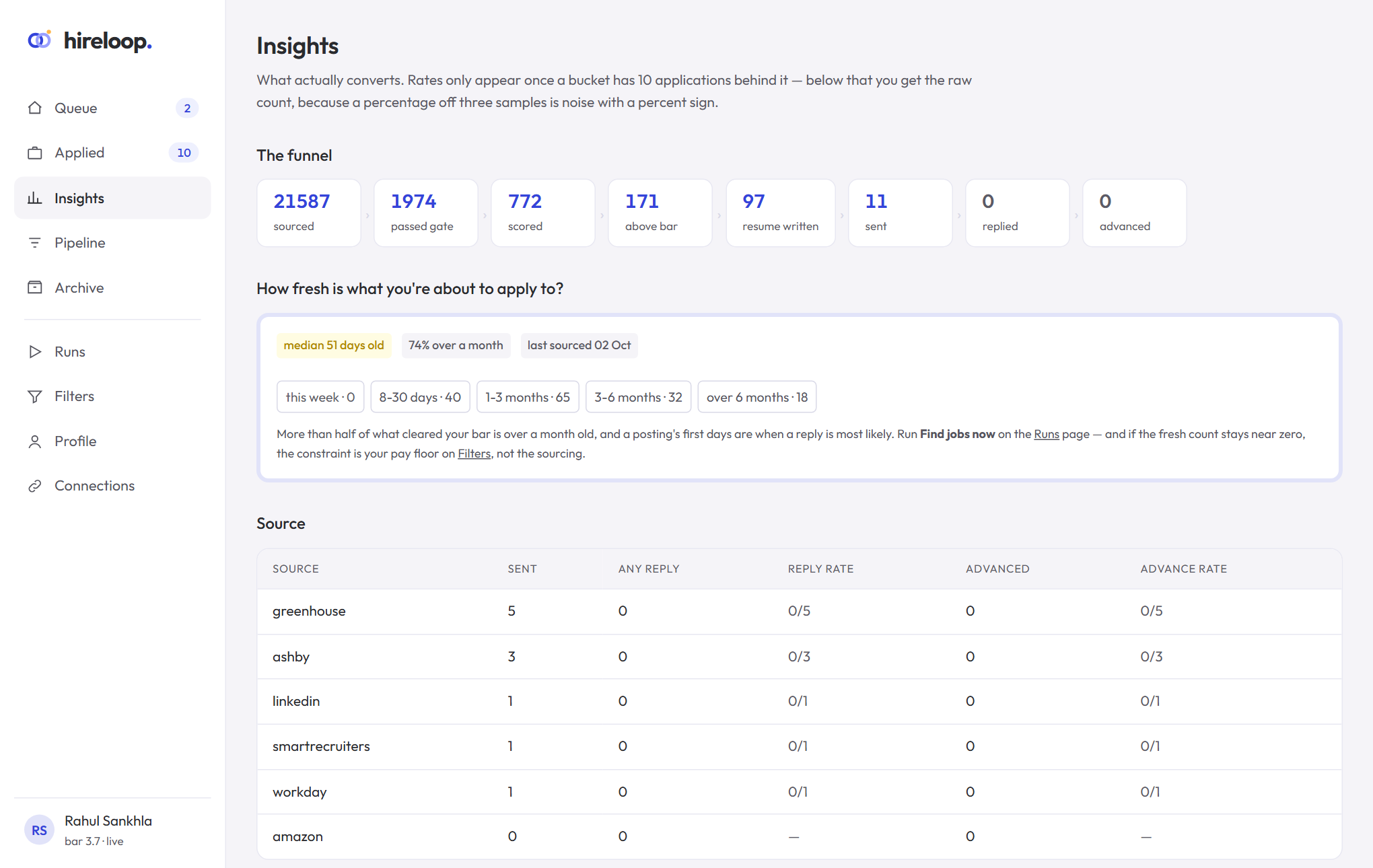
Finds jobs
Greenhouse, Ashby, Lever, Workday, SmartRecruiters and Amazon boards, plus LinkedIn and Wellfound public listings.
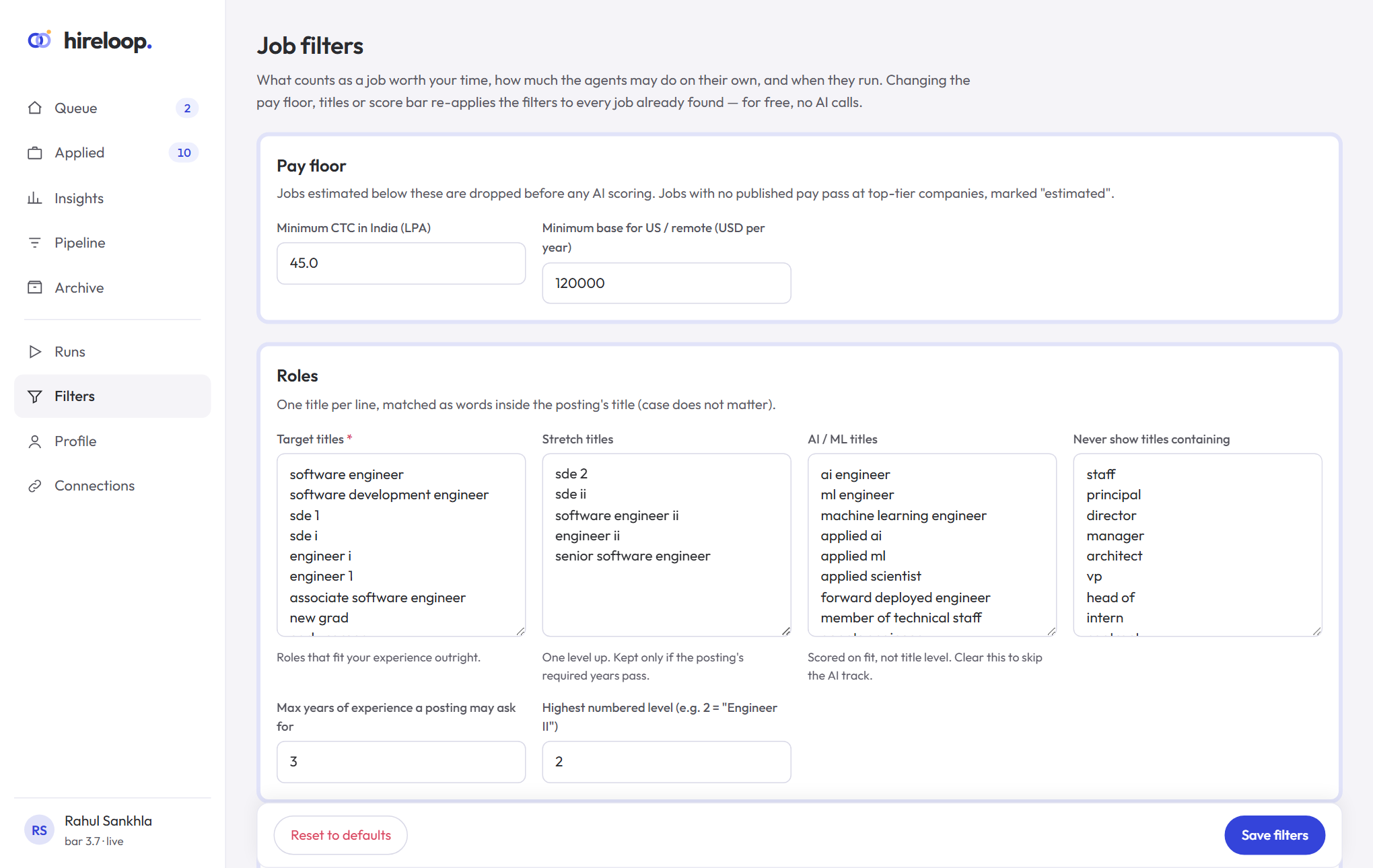
Filters for free
Pay floor, titles, level, location and years asked are checked by rules before any AI call.
Scores fit
Each job gets a 1–5 score with the reasons: skills, level, pay confidence, eligibility.
Applies with you
Tailored or unchanged resume, filled forms, screenshots. Practice mode never submits on its own.
Get started in three steps
- Install with one command. Windows (PowerShell):
macOS / Linux:irm https://raw.githubusercontent.com/RahulSankhla312/hireloop/main/install.ps1 | iexcurl -fsSL https://raw.githubusercontent.com/RahulSankhla312/hireloop/main/install.sh | sh - Try the demo with a made-up candidate and sample jobs, nothing to fill in:
hireloop demo - Use it for real. Open HireLoop from the desktop shortcut or run
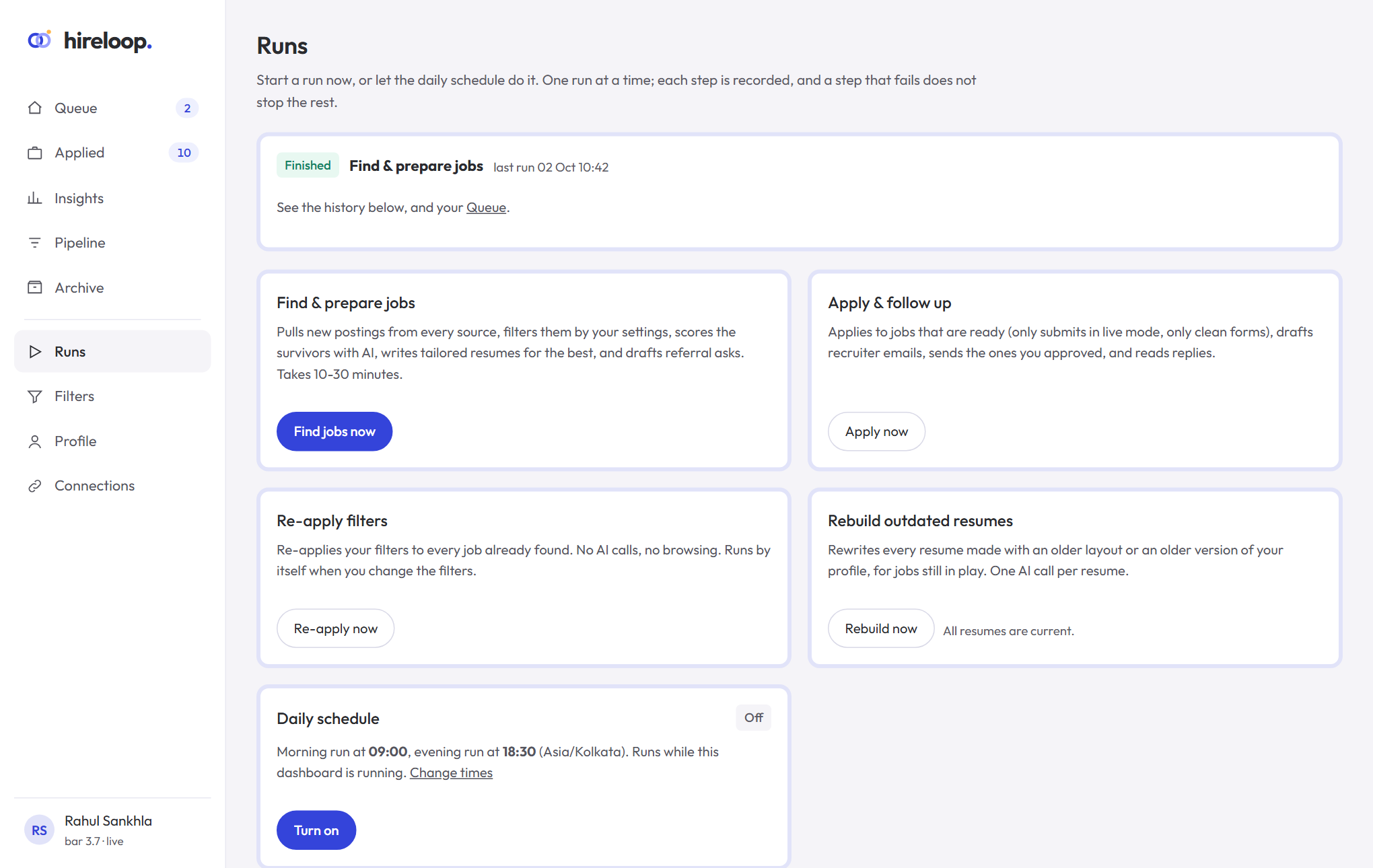
hireloop web, upload your resume once, set your filters, connect the AI engine (Claude Code or an Anthropic API key), and press Find jobs now.
A closer look